Live results
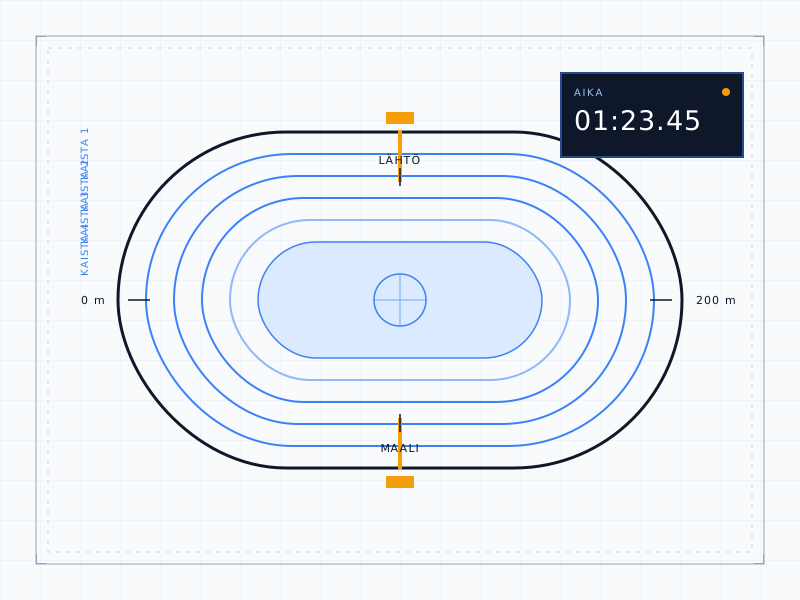
Pairs, lap times and rankings update in the browser during the race, without reloading the page.
Audience
Speed skating / Results
Skateyes shows race results, lap times and skaters' records the moment they happen on the ice. Clubs connect their own SkatingApp timing software, and results reach the audience within seconds.
Live results · Records · Statistics
Ominaisuudet
Pairs, lap times and rankings update in the browser during the race, without reloading the page.
Every skater has their own page: race history, lap times, and personal and season bests (PB and SB).
Best times by distance and age category, including results from speedskatingresults.com.
Races on outdoor ovals get temperature and wind data from the Finnish Meteorological Institute for the time of the race.
An agent installed on the club's computer sends SkatingApp results to Skateyes and writes approved changes, such as manual times, back.
Clubs and skaters' Sport-IDs and licences are kept up to date from Suomisport, the Finnish sports register, so the same skater is recognised in every club's races.
For clubs
Skateyes runs alongside your existing SkatingApp timing software. Nothing needs to change in SkatingApp.
A club admin downloads the Windows agent from the club page in Skateyes and starts it on a computer that can reach the SkatingApp database.
The agent shows an 8-character pairing code. The admin enters the code in Skateyes, and the agent is linked to the club.
The agent sends races, skaters and results within seconds. The club page shows whether the agent is connected.
Safe by design
The club decides what is written to SkatingApp
Contact
Call or send an email. Tell us about your club and your races, and we will agree on getting started.
Form / 01
Tell us below what you need. We reply by email or phone.